
QuietAppsComing soon
QuietApps: TV App Manager
Your TV apps, clearly. A remote-friendly app manager for Android TV and Google TV: see where your screen time goes, how much memory and storage is left and which apps run in the background.
Free, with an optional one-time QuietApps Pro purchase.
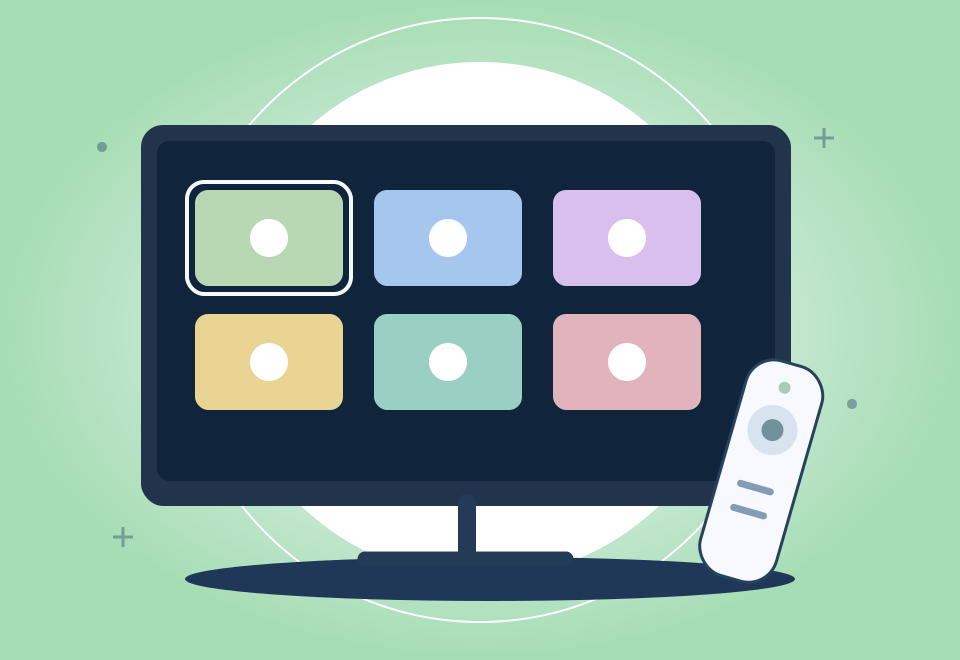
MADE FOR THE MOMENT
Your TV apps, clearly.
See your TV at a glance. Find any app. Act in a moment.
See your TV at a glance
Memory, storage, network and TV health on one screen, together with your most-used apps.
Track screen time
Screen time and app opens for today, the last 7 days and the last 30 days, with a weekly chart.
Find any app
Browse, search, sort and filter all your apps, including the ones that came with your TV.
Act in a moment
Hold OK or press Menu on an app to open it, see its App info, force stop it, clear its data, disable it or uninstall it.
Free up memory with Quiet Boost
Close the apps running in the background without restarting the TV, and protect the apps you never want closed. On Android 14 and later, Quiet Boost needs extended access.
Check TV health
See how long your TV has run without a full restart and get tips for smooth playback.
See what fills your storage
The apps that take the most space, sorted for you.
EXPLORE THE EXPERIENCE
A closer look.
Development preview. Interface may evolve.
BEHIND THE PRODUCT
More control. Right on your TV.
Extended access
Some actions need more rights than an app normally has. QuietApps’ Extended access guide offers three ways to get them, and setting it up is free:
- On this TV: leave USB debugging enabled. On compatible TVs, QuietApps’ helper starts without a computer whenever you open QuietApps.
- From a computer: type a few commands on a computer on the same home network. The commands are on our ADB guide, ready to copy.
- With the Shizuku app: choose this if Shizuku is already on your TV.
This is Android’s shell access, not root access.
QuietApps Pro
QuietApps is free. QuietApps Pro is an optional one-time purchase through Google Play: with extended access, it force stops apps, clears their data, disables and enables them, clears the caches of all apps at once and restarts the TV, each with one press. You can set up extended access and check that it works on your TV before you buy Pro. Without Pro, your first cleanup of all app caches is free, and the other actions open in Android settings, where you complete them yourself. Quiet Boost stays free. There is no subscription and no advertising.
Private by design
- No ads, no analytics, no account.
- Usage statistics are read on your TV after you allow usage access, and they never leave it.
- QuietApps uses the INTERNET permission only to connect to your TV’s own debugging service at 127.0.0.1. No data leaves the TV.
- Purchases are handled by Google Play. QuietApps only remembers, on the TV, whether Pro is unlocked.
Made for the big screen
Designed for the remote, with clear focus on every button. Also works with TalkBack, a mouse and larger text. Dark and light themes. Available in 49 languages.
A PLACE IN YOUR DAY
A calmer view of the big screen.
Android TV owners
Find the apps you use and understand the space they occupy.
Google TV users
Explore usage and device information without adding a separate online account.
Hands-on users
Set up extended access on your TV, from a computer or with Shizuku. No root required.
A FEW MORE DETAILS
Good questions.
Clear answers.
Which TVs does QuietApps work on?
Android TV and Google TV devices with Android 8 or later. Some details and actions depend on your Android version, your TV's manufacturer and the permissions you allow.
Is QuietApps free?
Yes. QuietApps Pro is an optional one-time purchase that runs some actions directly with one press. There is no subscription.
Does QuietApps need root?
No. Extended access uses Android's shell access, which you allow yourself, and you can turn it off at any time.
Where can I get QuietApps?
QuietApps has not launched yet. The Google Play link will appear here when the release is available.
SUPPORT & LEGAL
Here when you need us.
Questions about QuietApps? Find help and product information here.
QuietApps
Something useful
is taking shape.
QuietApps has not launched yet. The Google Play link will appear here when the release is available.